
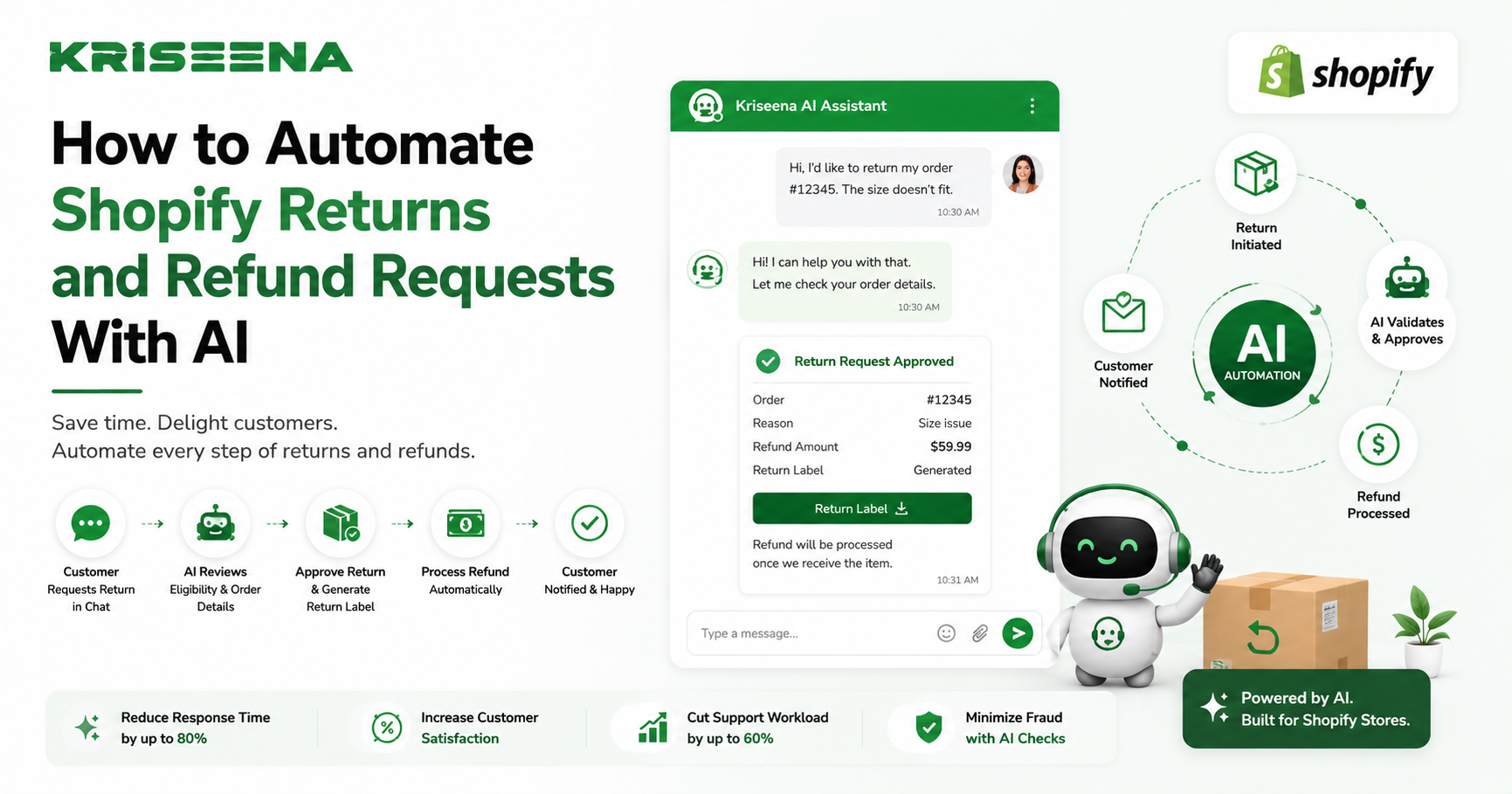
Returns and refunds are a normal part of running a Shopify store, but they can also consume a significant amount of your customer support team's time. Questions about return eligibility, refund status, exchange policies, and return shipping often make up a large share of daily support tickets.
As your business grows, handling every return request manually becomes increasingly inefficient. Customers expect quick answers, while support teams need to balance speed with accuracy and policy compliance.
This is where AI can make a measurable difference.
By automating common return and refund inquiries, Shopify merchants can reduce support workloads, deliver faster responses, and create a smoother customer experience without sacrificing quality.
In this guide, you'll learn how to automate Shopify returns and refund requests with AI, what workflows to implement, and the best practices for maintaining excellent customer support.
Why Automate Returns and Refund Requests?
Returns are often unavoidable, but the support effort required to manage them doesn't have to be.
Customers commonly ask questions such as:
Can I return my order? How long do I have to return an item? Has my refund been processed? Where can I download a return label? Can I exchange my product? Why was my return rejected?
Without automation, support agents spend valuable time answering the same questions repeatedly.
AI helps streamline these conversations by providing instant, policy-based responses while allowing agents to focus on cases that require human judgment.
Benefits of AI-Powered Returns Automation
Automating return and refund requests offers advantages for both merchants and customers.
Faster Customer Responses
Customers no longer need to wait for an agent to verify return policies or order details. AI can answer common questions instantly.
Reduced Support Volume
Many return-related conversations can be resolved without creating a support ticket, significantly lowering your team's workload.
Consistent Policy Enforcement
AI references your documented return and refund policies, ensuring customers receive the same accurate information every time.
Better Customer Experience
Quick, transparent communication helps build trust, even when customers are returning products.
What You Need Before You Start
Before automating returns and refunds, prepare the following:
A Shopify store A documented return policy A documented refund policy A customer support platform with AI capabilities Access to order information A knowledge base containing your policies and procedures
The more complete your documentation, the more accurate your AI responses will be.
Step 1: Create a Clear Return Policy
AI depends on accurate information.
Your return policy should clearly explain:
Return eligibility Return window Non-returnable products Exchange options Refund timelines Return shipping responsibilities
Avoid vague language. Clear policies reduce confusion for both customers and AI.
Step 2: Connect AI to Your Shopify Store
Your AI support platform should integrate directly with Shopify.
This enables access to:
Order history Purchase date Order status Fulfillment details Customer information Product information
With this context, AI can provide personalized responses instead of generic answers.
Step 3: Build a Knowledge Base
Your knowledge base is the foundation of effective AI support.
Include documentation for:
Return Policy
Explain when customers can return products and under what conditions.
Refund Policy
Describe:
Processing times Refund methods Partial refunds Exceptions Exchange Policy
If exchanges are available, explain the process clearly.
Shipping Information
Include details about:
Return shipping Carrier requirements Tracking International returns
A comprehensive knowledge base helps AI answer questions accurately.
Step 4: Automate Common Return Questions
Most return conversations follow predictable patterns.
Examples include:
Return Eligibility
Customer:
"Can I return my order?"
AI checks:
Purchase date Return window Product eligibility
Then responds according to your policy.
Refund Status
Customer:
"When will I receive my refund?"
AI can explain:
Whether the return has been received Current refund status Estimated processing timeline Return Instructions
Instead of requiring an agent, AI can guide customers through:
Packing the item Printing a return label Shipping instructions Tracking the return Step 5: Automate Refund FAQs
Refund questions are another major source of support requests.
AI can answer questions such as:
How long do refunds take? Where will my refund be sent? Why haven't I received my refund? Can I cancel my refund request? Can I exchange instead of getting a refund?
Providing immediate answers improves transparency and reduces customer frustration.
Step 6: Escalate Complex Cases
AI should not attempt to resolve every return issue.
Automatically route conversations involving:
Damaged products Missing packages Fraud concerns Warranty claims Chargebacks Custom return exceptions
These situations typically require human review.
Best Practices for AI Returns Automation Keep Policies Updated
Whenever your return policy changes, update your knowledge base immediately.
Outdated information leads to incorrect AI responses.
Personalize Responses
Instead of generic replies, AI should use customer-specific information whenever possible.
For example:
Purchase date Product name Return eligibility Refund status
Personalized responses create a better customer experience.
Make Human Support Easy to Reach
Customers should always have the option to speak with an agent if AI cannot resolve their issue.
A seamless handoff improves customer satisfaction.
Review AI Conversations Regularly
Monitor conversations to identify:
Frequently asked questions Missing documentation Incorrect responses New automation opportunities
Continuous improvement keeps your AI accurate over time.
Common Mistakes to Avoid Automating Without Clear Policies
If your return policy is confusing, AI cannot provide reliable answers.
Start with clear documentation before introducing automation.
Ignoring Exceptions
Not every return follows standard rules.
Allow support agents to review unusual situations manually.
Overcomplicating Workflows
Focus on automating the most common return scenarios first.
Simple workflows often deliver the biggest improvements.
Not Testing Before Launch
Before enabling automation, test scenarios such as:
Eligible returns Expired return windows Refund requests Exchanges Damaged items Incorrect orders
Testing helps ensure customers receive accurate guidance.
How AI Improves Customer Satisfaction
Returns are often stressful for customers.
AI improves the experience by:
Providing instant responses Explaining policies clearly Offering consistent information Reducing waiting times Keeping customers informed throughout the process
Even when a return cannot be approved, transparent communication helps maintain customer trust.
Why Kriseena Is a Smart Choice for Shopify Merchants
For Shopify and WooCommerce businesses looking to automate returns and refunds, Kriseena provides AI-powered customer support designed specifically for ecommerce.
By connecting directly with your store and learning from your knowledge base, Kriseena can answer return policy questions, assist customers with refund requests, retrieve order information, and automate repetitive conversations through live chat.
Instead of replacing your support team, Kriseena helps reduce repetitive work so agents can focus on exceptions and more complex customer interactions.
Measuring Success
After implementing AI automation, monitor key support metrics such as:
Return-related ticket volume First response time Resolution time Customer satisfaction AI resolution rate Escalation rate
Tracking these metrics helps you measure the impact of automation and identify areas for further improvement.
Frequently Asked Questions Can AI approve refunds automatically?
AI can assist with eligibility checks and provide guidance based on your policies. For sensitive or exceptional cases, businesses often choose to keep final approval with human agents.
Can AI answer return policy questions?
Yes. AI can reference your documented return policy and provide accurate answers to common customer questions.
Does AI work with Shopify order data?
Yes. When integrated with Shopify, AI can access order information, fulfillment status, and customer details to deliver personalized support.
Will automation replace my support team?
No. AI is most effective when handling repetitive requests while allowing human agents to manage complex or exceptional cases.
Final Thoughts
Returns and refunds are an essential part of ecommerce, but they don't have to overwhelm your support team. By automating common return and refund requests with AI, Shopify merchants can reduce repetitive workloads, provide faster responses, and deliver a more consistent customer experience.
The key to success is combining accurate policies, real-time Shopify data, and intelligent automation. When AI handles routine questions and escalates exceptions appropriately, your team can spend less time answering repetitive inquiries and more time building strong customer relationships.
Ready to Automate Your Shopify Customer Support?
If you're looking for an AI-powered customer support platform built for Shopify and WooCommerce, visit https://kriseena.com to see how Kriseena can automate return and refund requests, answer customer questions, and help your support team work more efficiently.

Amrutha Suresh
Content Writer, Kriseena
Amrutha writes about AI customer support, e-commerce operations, and help desk best practices. She covers practical guides for support teams looking to scale without growing headcount.