
Running an ecommerce store means every customer conversation matters. Whether shoppers are asking about shipping, returns, order status, or product recommendations, your support platform should help your team respond faster without increasing workload.
If you've decided it's time to move away from Gorgias, the migration process doesn't have to be complicated. Modern AI-powered customer support platforms make switching much easier than most store owners expect.
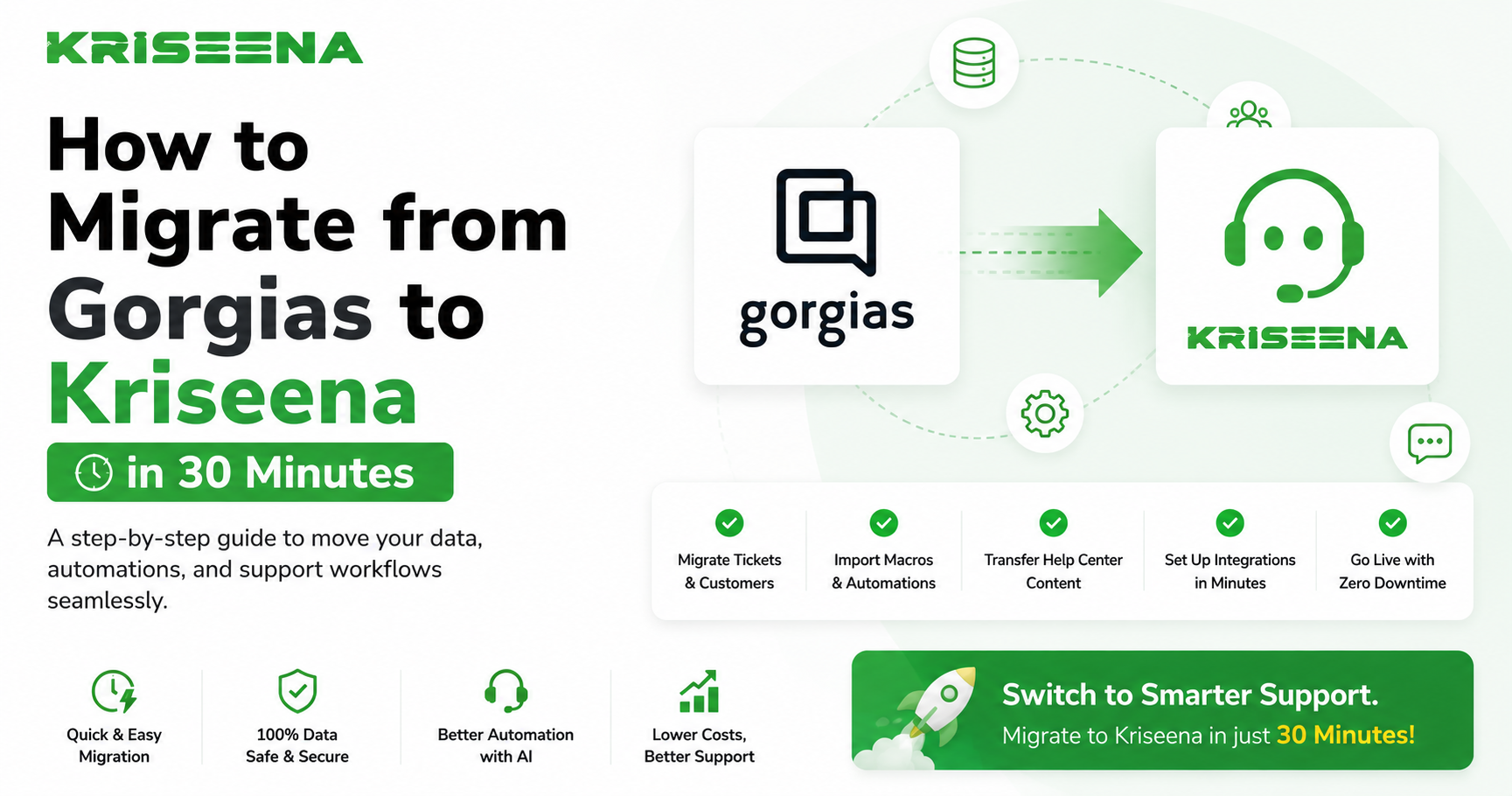
This guide walks you through how to migrate from Gorgias to Kriseena in about 30 minutes, with minimal disruption to your support operations.
Why Store Owners Switch from Gorgias
Every business has different reasons for changing customer support software. Some stores outgrow their existing workflow, while others want better automation, simpler management, or stronger AI capabilities.
Common reasons Shopify and WooCommerce merchants migrate include:
- Reducing manual ticket handling
- Improving AI-powered responses
- Simplifying support workflows
- Faster onboarding for new team members
- Better automation for repetitive customer questions
- A more streamlined support experience
Whatever your reason, planning the migration properly ensures your customers experience little to no disruption.
What You'll Need Before Starting
Before migrating, gather the following information:
- Admin access to your Gorgias account
- Admin access to your Shopify or WooCommerce store
- Access to your support email inbox
- Any saved macros, templates, or canned responses you want to keep
- Documentation of important workflows or automations currently in use
Spending five minutes preparing these items makes the migration significantly smoother.
Step 1: Review Your Current Support Workflow
Before moving to a new platform, understand exactly how your existing setup works.
Ask yourself:
Which support channels do you use?
Most ecommerce businesses use a combination of:
- Live chat
- Contact forms
- Social messaging
- Help center
Make a list of every channel currently connected to Gorgias.
Which automations are important?
Review:
- Auto replies
- Order lookup workflows
- Ticket routing
- Tags
- Customer segmentation
- Escalation rules
Not every automation needs to be recreated. Many older workflows become unnecessary once AI handles common customer questions automatically.
Step 2: Export Important Data
Although you may not need every historical ticket, it's good practice to keep backups.
Export:
- Customer conversations
- Macros
- Saved replies
- Help documentation
- Team notes (if required)
Having these exports ensures you always retain access to historical support information.
Step 3: Create Your Kriseena Workspace
Once you've signed up, create your workspace and connect your ecommerce store.
The setup process is designed specifically for Shopify and WooCommerce merchants, making onboarding straightforward without requiring technical expertise.
During setup you'll connect:
- Your online store
- Support email
- Customer support channels
- Team members
Most merchants complete this portion in just a few minutes.
Step 4: Connect Your Shopify or WooCommerce Store
This is one of the most important steps.
Connecting your store allows the platform to understand customer orders and provide context during support conversations.
Benefits include:
- Order lookup
- Customer purchase history
- Shipping information
- Product details
- Customer account information
This enables AI to answer many customer questions automatically without requiring manual intervention.
Step 5: Import Your Knowledge Base
Your AI assistant performs best when it understands your business.
Import information such as:
Shipping Policies
Include:
- Delivery timelines
- International shipping
- Tracking information
- Processing times
Return Policy
Add documentation covering:
- Return eligibility
- Refund process
- Exchanges
- Return windows
Frequently Asked Questions
Include answers for recurring topics like:
- Order tracking
- Discount codes
- Product availability
- Sizing
- Payment methods
- Cancellations
The more complete your documentation, the more accurate AI responses become.
Step 6: Recreate Essential Automations
Instead of copying every automation from Gorgias, simplify where possible.
Focus on automations that provide real value.
Examples include:
Automatic Greeting
Welcome new chat visitors.
Order Status Questions
Automatically provide order updates when customers ask where their package is.
Shipping Questions
Answer common shipping inquiries instantly.
Returns
Provide return instructions based on your published policy.
With an AI-first workflow, many traditional ticket routing rules become unnecessary because customer questions are resolved automatically before reaching your team.
Step 7: Invite Your Support Team
Once the workspace is configured:
- Add support agents
- Assign permissions
- Review workflows together
- Test common customer scenarios
A short onboarding session is usually enough for experienced support teams to become comfortable with the new interface.
Step 8: Test Before Going Live
Never skip testing.
Create several test conversations covering common situations:
- Order status
- Return request
- Shipping question
- Product recommendation
- Discount inquiry
- Refund request
Verify that:
- AI responses are accurate
- Customer information loads correctly
- Team members receive notifications
- Escalations work properly
Small adjustments at this stage prevent larger issues after launch.
Step 9: Switch Your Support Channels
Once everything is verified:
- Update email routing
- Enable live chat
- Connect messaging channels
- Confirm domain settings if applicable
Monitor incoming conversations during the first few hours to ensure everything operates as expected.
Most migrations happen without customers even noticing the change.
Common Migration Mistakes to Avoid
Migrating Everything
Not every macro, rule, or automation deserves to survive.
Treat migration as an opportunity to simplify your support process.
Ignoring Your Knowledge Base
AI is only as effective as the information available to it.
Invest time in creating accurate documentation.
Skipping Team Training
Even intuitive software benefits from a quick walkthrough.
Show agents:
- AI suggestions
- Conversation management
- Escalation workflow
- Customer history
Forgetting to Test
Always test using real customer scenarios before directing live traffic to the new platform.
What Changes After Switching?
Many store owners notice improvements in several areas after moving to a modern AI support platform.
These often include:
Faster First Responses
Customers receive answers almost immediately for common questions.
Lower Support Volume
AI resolves repetitive inquiries before agents need to intervene.
More Consistent Answers
Customers receive accurate responses based on your documented policies.
Better Agent Productivity
Support agents spend less time answering repetitive questions and more time solving complex customer issues.
Why Kriseena Fits Shopify and WooCommerce Stores
Unlike general customer support platforms, Kriseena is built specifically for ecommerce businesses using Shopify and WooCommerce.
It combines AI-powered customer support with ecommerce context, allowing businesses to automate repetitive conversations while giving support teams access to the customer and order information they need.
Instead of replacing your support team, Kriseena helps them work more efficiently by handling routine customer questions, surfacing relevant order details, and ensuring customers receive faster, more consistent responses.
For growing ecommerce stores, this means spending less time managing repetitive tickets and more time focusing on customer relationships and business growth.
Frequently Asked Questions
Can I migrate without losing customer data?
Yes. Export important conversations and documentation before making the switch. Keeping backups is always recommended.
How long does the migration take?
For most Shopify and WooCommerce stores, the core setup can be completed in approximately 30 minutes, although larger businesses with extensive documentation or custom workflows may require additional time.
Do I need technical knowledge?
No. Most store owners can complete the migration using guided setup steps without developer assistance.
Will customers notice the migration?
If planned properly, customers typically experience little to no disruption during the transition.
Should I recreate every automation?
No. Review each workflow carefully and only rebuild automations that continue to provide value. Many repetitive tasks can be handled through AI instead.
Final Thoughts
Migrating from Gorgias doesn't have to be a lengthy or complex project. With proper preparation, a clear understanding of your current workflows, and a structured setup process, most Shopify and WooCommerce merchants can complete the transition in around 30 minutes.
Rather than simply moving your existing setup from one platform to another, use the migration as an opportunity to simplify your support operations, improve response quality, and reduce repetitive manual work. A cleaner workflow paired with AI-powered automation can help your support team deliver faster, more consistent customer experiences while spending more time on conversations that truly require human expertise.
Ready to Make the Switch?
If you're looking for a customer support platform built specifically for Shopify and WooCommerce stores, visit https://kriseena.com to learn more about Kriseena, explore its AI-powered support features, and start your migration today.

Amrutha Suresh
Content Writer, Kriseena
Amrutha writes about AI customer support, e-commerce operations, and help desk best practices. She covers practical guides for support teams looking to scale without growing headcount.