
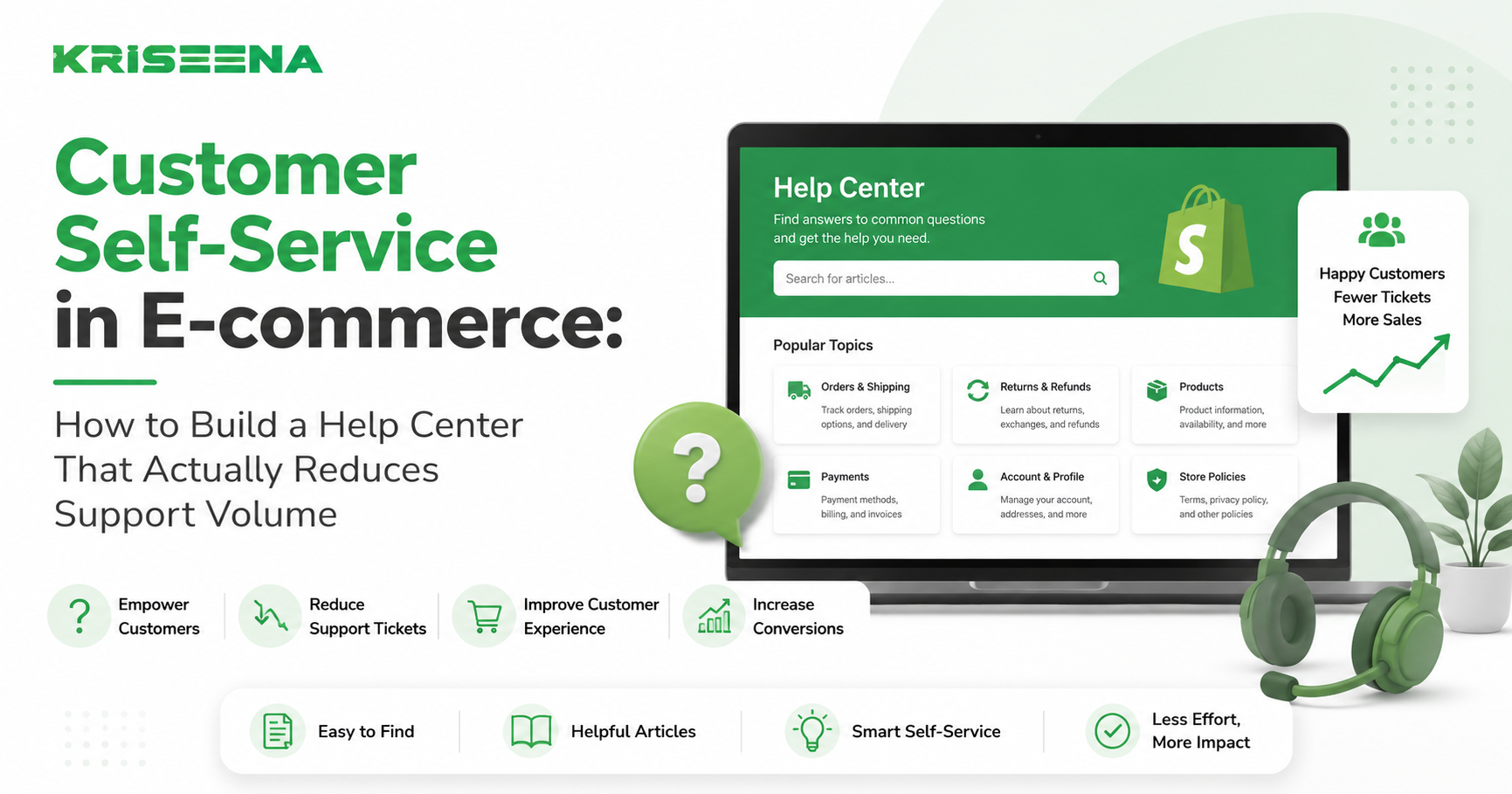
If your support team answers the same questions every day, you don't have a staffing problem.
You have a self-service problem.
Customers don't enjoy contacting support for simple issues. They'd rather find answers themselves—especially for questions like:
- Where is my order?
- What is your return policy?
- How long does shipping take?
- How do I change my address?
- When will an item be back in stock?
When customers can't quickly find these answers, they open tickets.
As your store grows, those repetitive conversations consume more and more of your team's time.
That's why leading e-commerce brands invest heavily in customer self-service.
A well-designed self-service experience helps customers solve problems instantly while reducing support workload, lowering costs, and improving satisfaction.
In this guide, you'll learn how to build an e-commerce self-service system that customers actually use—and that genuinely reduces support volume.
What Is Customer Self-Service in E-commerce?
Customer self-service refers to any resource that allows customers to find answers or complete actions without contacting support.
Common examples include:
- Help centers
- Knowledge bases
- FAQ pages
- Order tracking portals
- Return portals
- AI support assistants
- Customer account portals
- Automated order status tools
The goal is simple:
Instead of making customers wait for support, give them the tools to solve common issues immediately.
Effective self-service benefits both sides.
Customers get answers faster.
Support teams spend less time on repetitive requests.
Why Most E-commerce Help Centers Fail
Many stores technically have a help center.
Few have one that customers actually use.
The problem isn't usually the software.
It's the content and structure.
Articles are written for the company, not customers
Many help centers organize content around internal categories.
Customers don't think that way.
A customer wants answers to questions such as:
- Where is my package?
- How do I return an item?
- Can I cancel my order?
Your help center should mirror customer language.
Search doesn't work well
If customers search for:
"tracking order"
and receive irrelevant results, they'll immediately contact support.
Poor search experiences destroy self-service adoption.
Important information is hidden
Critical answers often require navigating multiple menus.
Customers rarely have the patience.
The easier answers are to find, the more customers will use self-service.
Content becomes outdated
Shipping policies change.
Return windows change.
Product information changes.
An outdated help center quickly loses credibility.
Once customers stop trusting it, they'll go directly to support.
The Business Benefits of Strong Self-Service
Many merchants view self-service as a support initiative.
In reality, it's a business growth initiative.
Lower support costs
Every repetitive ticket costs money.
Whether you're paying:
- Internal agents
- Outsourced teams
- Help desk software costs
- Management overhead
Support expenses increase with ticket volume.
Self-service reduces the number of conversations requiring human involvement.
Faster customer resolutions
Customers don't want answers tomorrow.
They want answers now.
A searchable help center provides instant access to information.
Improved customer satisfaction
Waiting is frustrating.
Finding answers immediately is not.
When customers can solve issues themselves, satisfaction often increases.
Better scalability
Hiring support agents is expensive.
Self-service allows stores to grow without increasing support headcount at the same rate.
Higher conversion rates
Self-service isn't only for existing customers.
Prospective buyers often search for:
- Shipping information
- Return policies
- Product details
- Warranty information
Making this information easy to access can remove purchase barriers.
The Essential Components of an E-commerce Self-Service System
Many businesses think self-service means publishing a few FAQ pages.
Effective self-service requires a broader system.
1. A Well-Structured Help Center
Your help center should contain clear categories such as:
- Orders and shipping
- Returns and refunds
- Product information
- Payments and billing
- Account management
Customers should reach answers within a few clicks.
2. Order Tracking Portal
Order status questions are often the largest source of support volume.
A dedicated tracking experience allows customers to check:
- Order status
- Shipping progress
- Delivery estimates
- Tracking links
without contacting support.
3. Return and Exchange Information
Returns create confusion when policies aren't clear.
Your self-service system should answer:
- Return eligibility
- Return windows
- Refund timelines
- Exchange procedures
The easier customers can understand returns, the fewer tickets you'll receive.
4. Search Functionality
Search is arguably the most important self-service feature.
Customers rarely browse articles.
They search.
Your search experience should:
- Understand customer language
- Return relevant results quickly
- Handle common spelling mistakes
- Surface popular articles
5. AI-Powered Assistance
Modern self-service increasingly includes AI.
AI can:
- Understand customer questions
- Search your knowledge base
- Retrieve order information
- Provide instant responses
This creates a more conversational support experience than traditional FAQ pages.
How to Decide What Content Belongs in Your Help Center
A common mistake is guessing what customers need.
Instead, use support data.
Review the tickets your team receives most often.
Start with the highest-volume categories.
For example:
| Support Question | Self-Service Opportunity |
|---|---|
| Where is my order? | Tracking portal |
| What is your return policy? | Returns article |
| How long does shipping take? | Shipping guide |
| Can I change my address? | Order changes article |
| How do refunds work? | Refund FAQ |
| When will this item restock? | Product availability page |
If a question appears repeatedly, it should probably have a self-service solution.
A useful rule:
If agents answer the same question more than ten times per week, create self-service content for it.
How AI Is Changing Customer Self-Service
Traditional self-service relies on customers finding answers.
AI changes the model.
Instead of searching manually, customers can simply ask.
For example:
"Can I return an item after 45 days?"
or
"Where is order #54821?"
AI can understand the request and provide an answer immediately.
Personalized answers
Unlike static FAQ pages, AI can personalize responses using:
- Order data
- Customer history
- Account information
- Knowledge base content
This creates a significantly better customer experience.
Better search experiences
Many help centers fail because customers use different language than support teams.
AI can interpret intent rather than relying on exact keyword matches.
Continuous availability
Customers shop at all hours.
AI-powered self-service works 24/7 without requiring additional staffing.
Automatic content utilization
Many businesses already have:
- Policies
- Documentation
- Product information
AI helps customers access this information more efficiently.
Best Practices for Increasing Self-Service Adoption
Even the best help center won't reduce support volume if nobody uses it.
Follow these practices to encourage adoption.
Make self-service visible
Promote your help center throughout your website.
Include links on:
- Product pages
- Cart pages
- Checkout pages
- Order confirmation pages
- Contact pages
Surface answers before tickets
When customers attempt to contact support, show relevant articles first.
Many issues can be resolved before a ticket is submitted.
Use customer language
Avoid internal terminology.
Write articles using the same words customers use in support requests.
Keep articles simple
Customers want answers, not essays.
Use:
- Clear headings
- Short paragraphs
- Bullet points
- Step-by-step instructions
Measure performance
Track metrics such as:
- Help center views
- Search success rates
- Article engagement
- Ticket reduction
- Customer satisfaction
Data reveals what's working and where improvements are needed.
Common Self-Service Mistakes to Avoid
Many stores invest in self-service but see little impact.
The most common mistakes include:
Creating content nobody searches for
Focus on real customer questions.
Not internal assumptions.
Hiding the help center
If customers can't find it, they won't use it.
Ignoring search quality
A poor search experience often sends customers straight to support.
Never updating content
Policies evolve.
Your help center should evolve too.
Treating self-service as a one-time project
Customer needs change constantly.
The best self-service programs are continuously improved.
Conclusion
Customer self-service is one of the highest-leverage investments an e-commerce business can make.
When customers can quickly find answers themselves, everyone wins.
Customers get faster resolutions.
Support teams spend less time answering repetitive questions.
Businesses reduce costs while improving customer experience.
The most successful stores don't view self-service as a collection of FAQ pages. They build a complete support ecosystem that includes help centers, tracking portals, return information, knowledge bases, and AI-powered assistance.
As support volumes continue to rise, self-service is becoming less of a competitive advantage and more of a necessity.
If you're looking to deliver instant customer support without increasing headcount, Kriseena helps Shopify and WooCommerce stores automate customer questions using live order data and your knowledge base. Customers get answers faster, while your team focuses on complex conversations that actually require human attention.
Start your 14-day free trial today at https://kriseena.com.

Amrutha Suresh
Content Writer, Kriseena
Amrutha writes about AI customer support, e-commerce operations, and help desk best practices. She covers practical guides for support teams looking to scale without growing headcount.