
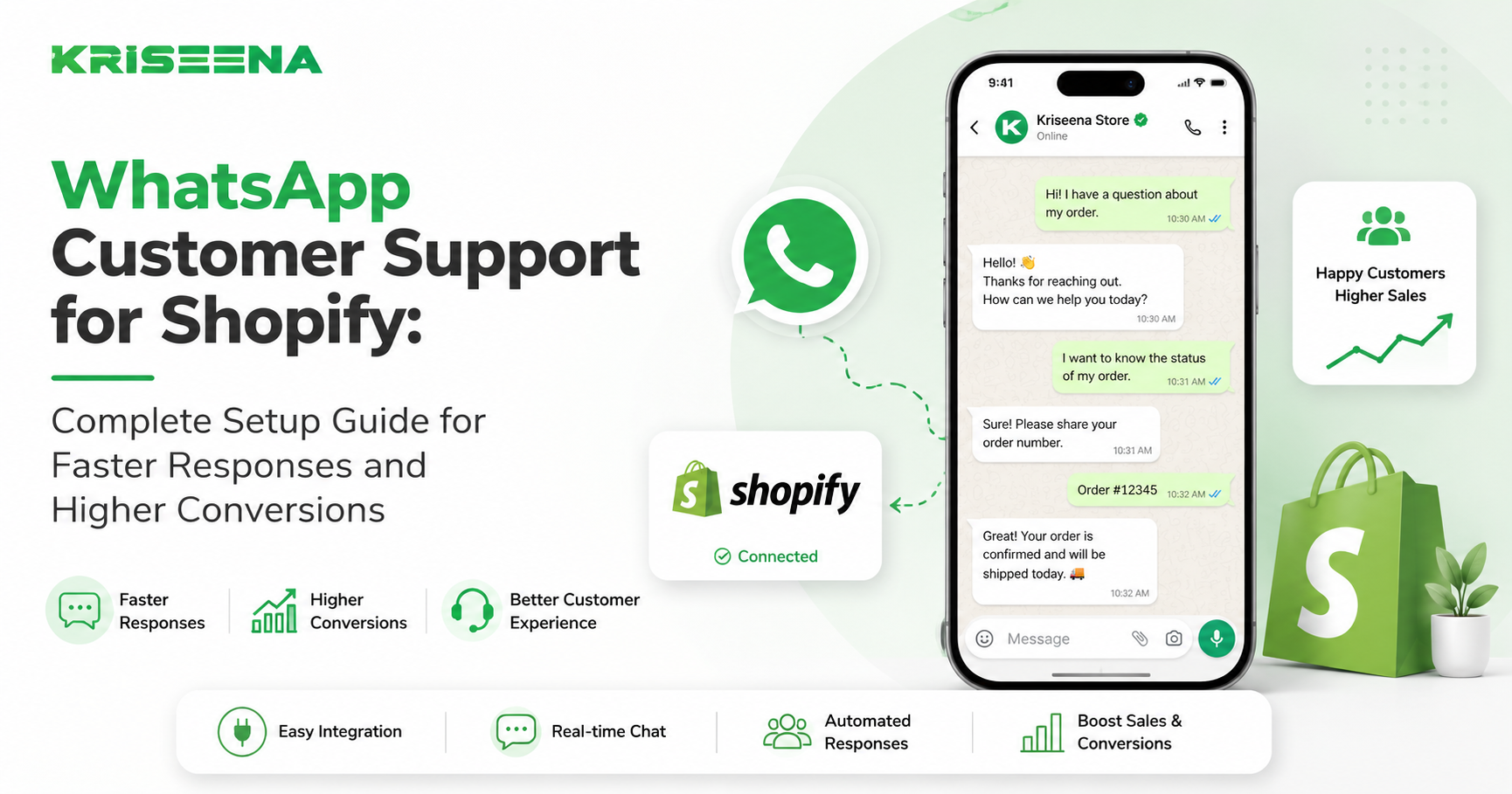
Running a Shopify store means answering the same questions every day:
- Where is my order?
- When will it arrive?
- Can I change my shipping address?
- Is this product back in stock?
- How do I start a return?
Most stores handle these conversations through email, live chat, and social media. But customers increasingly expect support on the platform they already use every day: WhatsApp.
With more than 2 billion users globally, WhatsApp has become one of the most effective customer support channels for e-commerce brands. Customers open messages faster, reply more often, and prefer the convenience of messaging over waiting for email responses.
For Shopify merchants, adding WhatsApp support can improve response times, increase customer satisfaction, and even drive more sales. The challenge is doing it without creating another inbox that your team has to manage manually.
In this guide, you'll learn how to set up WhatsApp customer support for Shopify, the tools you'll need, and how to automate common customer conversations without sacrificing service quality.
Why Shopify Stores Are Moving Customer Support to WhatsApp
Traditional support channels still matter, but they come with limitations.
Email is slow. Live chat only works when customers are on your site. Phone support is expensive to scale.
WhatsApp solves several of these problems.
Customers already use it
Unlike live chat widgets that require customers to visit your website, WhatsApp is already installed on their phones.
There is no new app to download and no account creation required.
Messages get opened quickly
Email open rates often vary significantly. WhatsApp messages typically receive much higher engagement because they arrive alongside personal conversations.
This makes it easier to communicate updates about:
- Orders
- Shipping
- Returns
- Exchanges
- Product questions
- Delivery delays
Conversations feel more natural
Customers often prefer sending a quick message rather than filling out a support form.
The experience feels less formal and more conversational, which can improve satisfaction and reduce friction.
Support becomes a revenue channel
WhatsApp isn't just for support.
Many Shopify stores use it to:
- Recover abandoned carts
- Answer pre-purchase questions
- Recommend products
- Share order updates
- Drive repeat purchases
When implemented correctly, support conversations can directly contribute to revenue growth.
The Most Common Shopify Support Requests on WhatsApp
Before implementing WhatsApp support, it's helpful to understand what customers actually ask.
For most Shopify stores, support volume tends to cluster around a small number of repetitive requests.
Order tracking
The biggest category is usually WISMO ("Where Is My Order?").
Customers want to know:
- Has my order shipped?
- Where is it now?
- When will it arrive?
- Why is tracking not updating?
These questions are highly repetitive and ideal for automation.
Shipping questions
Customers frequently ask:
- Shipping costs
- Delivery timelines
- International shipping availability
- Express delivery options
Providing instant answers improves customer confidence and reduces support workload.
Returns and exchanges
Questions often include:
- Return eligibility
- Return windows
- Exchange policies
- Refund timelines
Having clear automated responses can eliminate a large portion of these tickets.
Product availability
Potential buyers commonly ask:
- Is this item in stock?
- When will it be restocked?
- What size should I choose?
- Which product is best for my use case?
These conversations happen before purchase and can directly impact conversion rates.
Account and order changes
Customers frequently request:
- Address updates
- Order modifications
- Cancellation requests
- Subscription changes
These may require human review but can still benefit from automated triage.
How to Set Up WhatsApp Customer Support for Shopify
Implementing WhatsApp support involves more than simply adding a phone number to your website.
A professional setup typically follows these steps.
Step 1: Create a WhatsApp Business Account
The first requirement is a WhatsApp Business account.
This gives your business access to features such as:
- Business profile
- Automated greetings
- Quick replies
- Labels and organization
- API integrations
For small stores, the basic app may be enough initially.
As support volume grows, most merchants eventually move to the WhatsApp Business API.
Step 2: Add WhatsApp to Your Shopify Store
Make it easy for customers to contact you.
Common placements include:
- Website header
- Website footer
- Contact page
- Product pages
- Cart page
- Order confirmation page
The goal is to reduce the effort required to start a conversation.
Step 3: Connect Support Systems
WhatsApp should not operate as a standalone channel.
Support agents need visibility into:
- Order history
- Customer details
- Previous conversations
- Shipping status
- Return information
Without integration, agents waste time switching between systems.
Step 4: Create Automated Workflows
Not every conversation requires human involvement.
Automation can handle:
- Order status requests
- Tracking updates
- Shipping policies
- Return policies
- Business hours
- Frequently asked questions
This dramatically reduces workload while maintaining fast response times.
WhatsApp Support: Manual vs Automated Approach
As ticket volume grows, Shopify stores typically face a choice between manual support and automated support.
| Factor | Manual WhatsApp Support | Automated WhatsApp Support |
|---|---|---|
| Response speed | Depends on staff availability | Instant |
| Scalability | Requires hiring | Handles large volumes |
| Availability | Business hours only | 24/7 |
| Consistency | Varies by agent | Standardized |
| Cost | Increases with volume | More predictable |
| Order tracking requests | Manual lookup | Automatic retrieval |
Manual support works for very small stores.
However, once stores begin receiving dozens or hundreds of conversations per week, automation becomes essential for maintaining service quality.
How AI Improves WhatsApp Customer Support
Many businesses think automation means forcing customers through frustrating chatbot menus.
Modern AI support systems work differently.
Instead of relying solely on scripted flows, AI can understand customer intent and generate useful responses.
Instant order status responses
When connected to Shopify data, AI can answer questions such as:
"Where is my order?"
without requiring an agent to manually check tracking information.
Knowledge base answers
AI can pull information from:
- Shipping policies
- Return policies
- Product FAQs
- Store documentation
This allows customers to get answers immediately.
Smart routing
Not every issue should be automated.
AI can identify conversations that require human review, including:
- Escalated complaints
- Refund disputes
- Complex order problems
- VIP customers
These requests can be routed directly to support staff.
Consistent support quality
Human responses naturally vary.
AI ensures customers receive accurate and consistent information regardless of time of day or support volume.
Best Practices for WhatsApp Customer Support
Adding WhatsApp is easy.
Using it effectively is harder.
The following practices help maximize customer satisfaction.
Respond quickly
Customers expect messaging channels to be faster than email.
If response times stretch into several hours, the experience loses much of its value.
Automation can help maintain immediate responses.
Avoid excessive automation
Customers become frustrated when they cannot reach a human.
Use automation for repetitive questions, but provide a clear path to escalation.
Keep messages concise
WhatsApp is a conversational channel.
Long paragraphs often get ignored.
Focus on:
- Short responses
- Clear instructions
- Relevant links
- Simple next steps
Personalize whenever possible
Using customer information improves the experience.
Examples include:
- Order numbers
- Product names
- Shipping status
- Previous purchases
Personalization makes support feel helpful rather than robotic.
Track support metrics
Monitor:
- First response time
- Resolution time
- Customer satisfaction
- Escalation rates
- Automation success rates
These metrics reveal whether your WhatsApp strategy is actually improving customer experience.
Choosing the Right WhatsApp Support Tool for Shopify
Not all support platforms handle WhatsApp effectively.
When evaluating tools, look for features such as:
Shopify integration
The platform should access:
- Orders
- Tracking information
- Customer details
- Purchase history
Without this integration, support becomes slower and less effective.
AI-powered responses
Basic chatbots can only follow scripts.
Modern AI systems can understand customer intent and provide more useful responses.
Human handoff
Every support platform should make it easy for agents to take over conversations when necessary.
Shared inbox capabilities
Support teams need visibility into all conversations from a single location.
This prevents duplicate responses and missed messages.
Transparent pricing
Some platforms charge per ticket, per seat, or based on message volume.
Understanding pricing before implementation helps avoid unexpected costs as your store grows.
Conclusion
WhatsApp has evolved from a personal messaging app into one of the most important customer support channels for e-commerce businesses.
For Shopify stores, it offers a faster, more convenient way to communicate with customers before and after purchase. Customers get answers where they already spend their time, while support teams reduce workload and improve response times.
The biggest gains come from combining WhatsApp with automation and AI. Instead of manually answering the same order tracking, shipping, and return questions every day, stores can provide instant responses while allowing human agents to focus on complex conversations that truly require attention.
If you're looking to scale customer support without constantly hiring more agents, WhatsApp support is no longer optional—it's quickly becoming a competitive advantage.
Ready to automate Shopify customer support across WhatsApp, email, and other channels? Kriseena connects directly to Shopify and WooCommerce, answers customer questions using live order data and your knowledge base, and helps businesses deliver faster support without increasing headcount. Start your 14-day free trial at https://kriseena.com.

Amrutha Suresh
Content Writer, Kriseena
Amrutha writes about AI customer support, e-commerce operations, and help desk best practices. She covers practical guides for support teams looking to scale without growing headcount.