
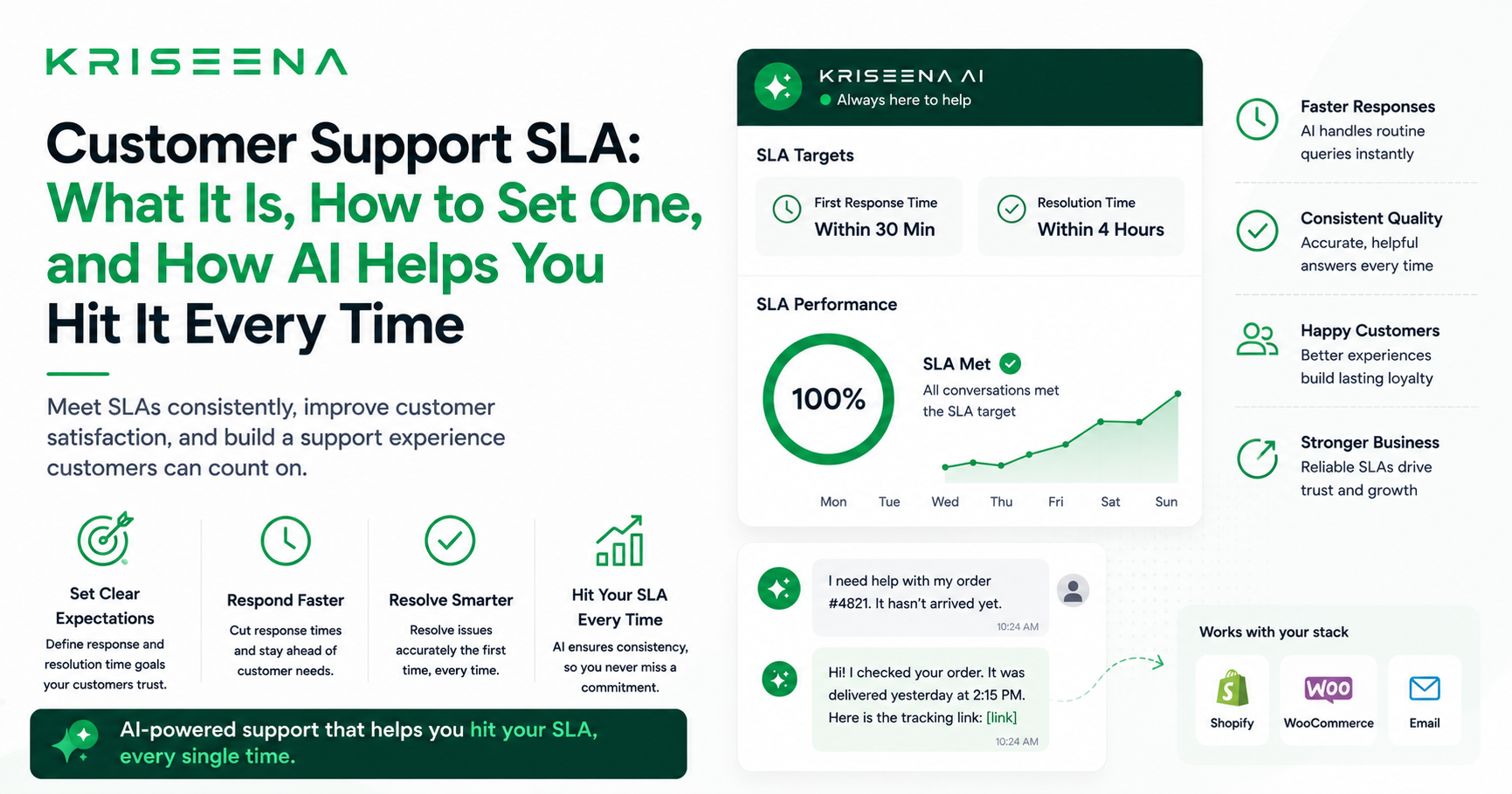
Customer Support SLA: What It Is, How to Set One, and How AI Helps You Hit It Every Time
A customer support SLA — Service Level Agreement — is a commitment you make about how quickly and how well you will respond to customer queries. It is one of the most practical tools in support operations, and one of the most commonly neglected by small and mid-size businesses.
This guide explains what a customer support SLA is, how to set realistic targets, how to measure them, and how AI tools can help you hit your SLA consistently without adding headcount.
What Is a Customer Support SLA?
An SLA in customer support is a defined standard that your team commits to meeting. The most common SLA metrics are:
- First Response Time (FRT) — how long a customer waits before receiving any reply
- Resolution Time — how long it takes to fully resolve a query
- CSAT threshold — a minimum customer satisfaction score target
SLAs can be internal commitments (your team aims to respond within 4 hours) or contractual (enterprise clients require a 1-hour response guaranteed in writing). For most small businesses, internal SLAs are the starting point.
Why SLAs Matter Even If You Have No Contracts
Many founders dismiss SLAs as an enterprise concern. That is a mistake. SLAs matter even for a five-person team because:
Without an SLA, there is no baseline. If your team responds in 2 hours on Monday and 14 hours on Friday, you have no way of knowing whether your support is improving or declining. You cannot improve what you do not measure.
Customers have implicit expectations. Industry research consistently shows that customers expect a reply within 1 hour on live chat and within 4 hours on email. Businesses that consistently beat these expectations retain customers at higher rates. Businesses that miss them see increased churn, chargebacks, and negative reviews.
SLAs help you staff and tool correctly. If you know your SLA target is 4-hour response and you are currently averaging 6 hours, you know exactly what to fix — more agents, faster tools, or better automation.
How to Set a Realistic Customer Support SLA
The biggest mistake when setting SLAs is picking a number that sounds impressive rather than one you can actually hit. A missed SLA you committed to is worse than no SLA at all.
Step 1: Measure your current performance
Before setting targets, measure what you actually do today. Pull your last 30 days of support data and calculate:
- Average first response time by channel (email, chat)
- Percentage of queries resolved in under 1 hour, under 4 hours, under 24 hours
- Your current CSAT score if you collect it
This gives you a baseline. Your SLA targets should be achievable from day one — not aspirational.
Step 2: Set targets by channel
Different channels have different expectations:
| Channel | Industry benchmark | Recommended starter SLA |
|---|---|---|
| Live chat | Under 1 minute | Under 2 minutes |
| Under 4 hours | Under 8 hours | |
| Social DM | Under 1 hour | Under 2 hours |
Set targets 20 to 30 percent better than your current average, not at your best-day performance. You need to hit the SLA consistently, not just occasionally.
Step 3: Define what counts as a response
An auto-acknowledgement ("Thanks for contacting us, we'll be in touch soon") does not count as a first response. A first response means a human or AI giving a substantive reply to the customer's question. Be specific in your internal definition so your team knows what they are measuring.
Step 4: Track it weekly
SLA compliance should be reviewed weekly. Look at: percentage of queries that met the FRT target, the query types that most often breach the SLA, and trend over time. If you are hitting your SLA 90 percent of the time, consider tightening it.
How AI Changes What Is Achievable in Your SLA
Without AI, a 15-minute first response time requires an agent to be available and actively monitoring the inbox at all times. For a small team, that is not realistic during evenings, weekends, or busy periods.
With AI, your effective first response time can be under 15 seconds on every query, at any time of day, because the AI handles the initial response automatically.
Kriseena's AI handles first responses to:
- Order tracking queries — reads live Shopify/WooCommerce data and replies with actual tracking information
- Policy questions — returns, shipping times, refund eligibility — answered from your knowledge base
- Common how-to questions — account setup, feature questions, troubleshooting steps
For queries the AI handles with high confidence, the SLA is met automatically before any human sees the message. For queries the AI drafts for review, the human agent receives a pre-written reply they only need to approve — cutting the time to send from 5 minutes to under 30 seconds.
What a Realistic AI-Assisted SLA Looks Like
With Kriseena handling first responses:
| Query type | AI handles? | FRT |
|---|---|---|
| Order tracking (WISMO) | Yes — automated | Under 15 seconds |
| Returns policy questions | Yes — KB answer | Under 15 seconds |
| Complex complaints | No — drafts for agent | Under 5 minutes (agent approval) |
| Technical issues | No — routes to agent | Under 30 minutes |
A realistic blended first response time with AI in place is under 2 minutes, even for a team of one or two agents. That beats the industry benchmark for email (4 hours) by a factor of 120.
Communicating Your SLA to Customers
Once you have a SLA you can consistently hit, communicate it. Add it to your contact page ("We aim to reply within 1 hour") and your chat widget greeting ("We typically reply in under 5 minutes"). Under-promise and over-deliver — customers who expect an 8-hour response and receive one in 20 minutes have a dramatically better experience than those who expected 1 hour and waited 90 minutes.
Summary
A customer support SLA is not a bureaucratic document — it is a commitment to your customers and a measurement tool for your team. Set it based on reality, track it weekly, and use AI tools to make targets achievable without burning out your team.
Kriseena helps small teams hit sub-2-minute first response times without round-the-clock staffing. Start your free 14-day trial at kriseena.com.

Aswathi
Content Writer, Kriseena
Aswathi specialises in SaaS product content and customer experience topics. Her writing helps e-commerce founders and support managers understand how AI fits into their existing workflows.